
What will we assess together?
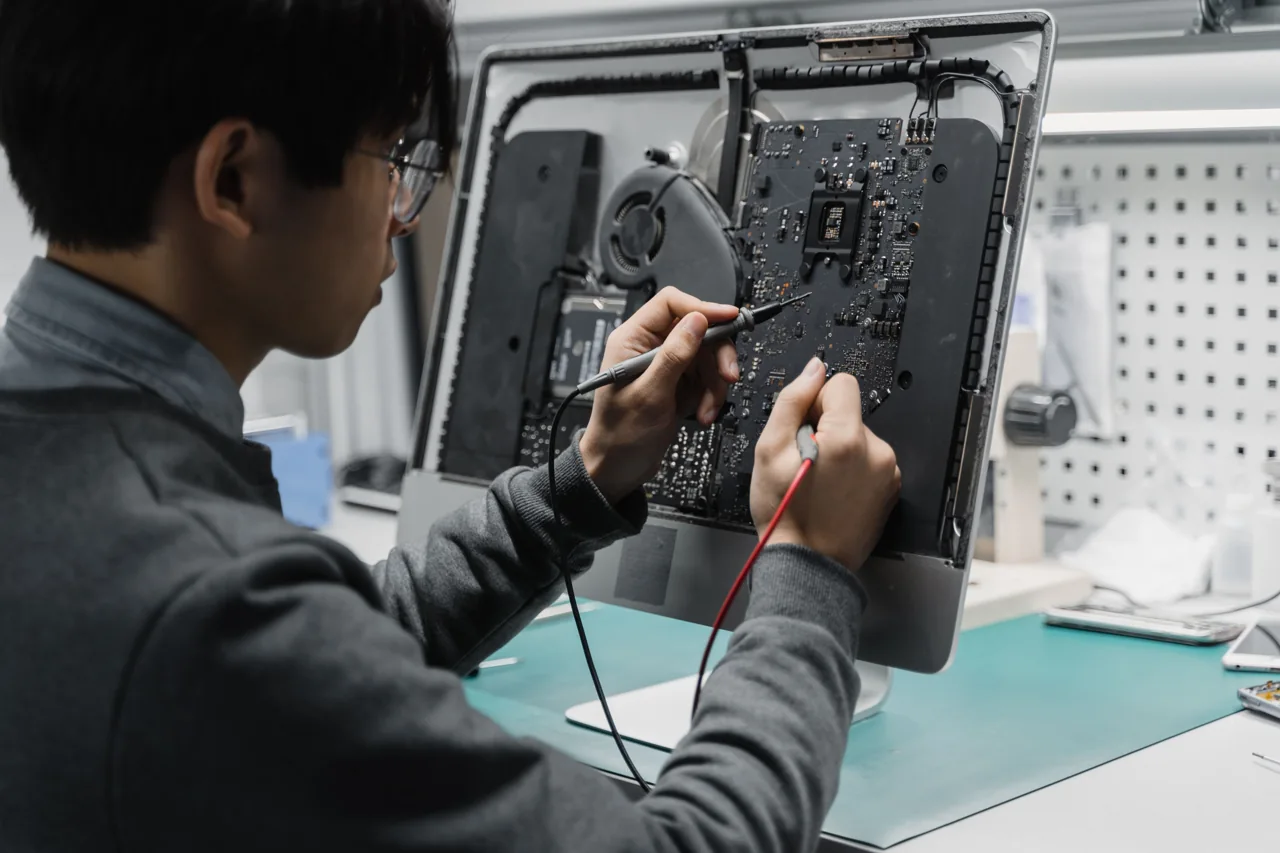
Is there no power or fan response, is the manufacturer logo stuck, or does Windows fail later? These are different symptoms. Record sounds, indicator lights and the exact screen error separately.
Mention important data before considering a reinstall. Suspected liquid damage, burning smells or battery swelling require a safe physical assessment rather than repeated startup attempts. Prepare the model and adapter label instead of trying random power supplies or parts.
Scope of work
- Power and display symptoms
- Connections and fault indicators
- Data priorities and repair feasibility
How does the process work?
The first conversation clarifies the need and existing environment. Permissions, data to protect, timing and cost are discussed before work. Whether assessment is on-site or remote depends on the task. Afterwards, the original symptom is checked again.
Can this be handled remotely?
Suitable software tasks need a working device, a usable connection and explicit approval. Physical faults, parts replacement and site work need separate assessment.
How do I find out the cost and availability?
Share the device, issue and district. Scope and availability are assessed before cost and timing are discussed. This page does not confirm an appointment or an automatic price.