
What will we assess together?
If the PC starts, the display works and connectivity is available, application errors, printer settings and some Windows issues may be assessed remotely. Prepare the exact error and the action that triggers it.
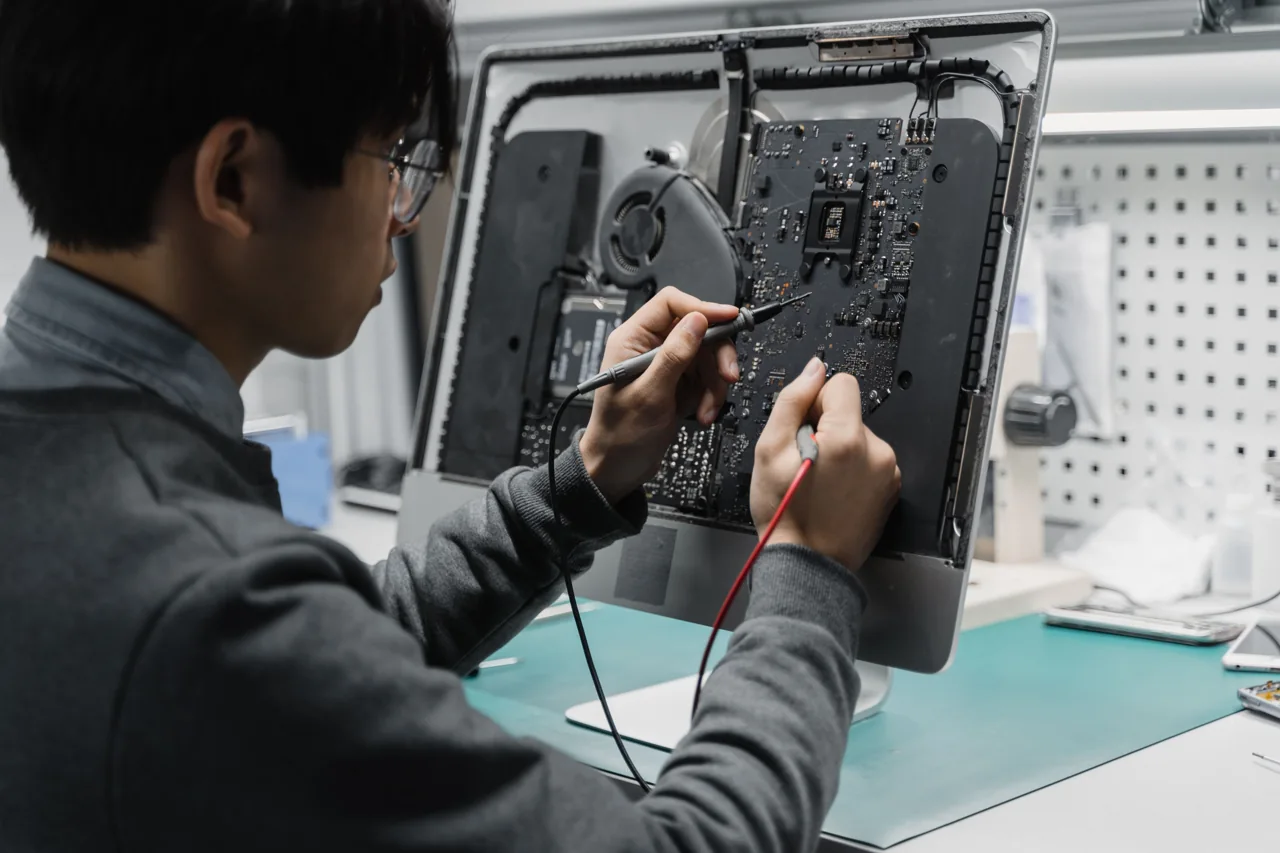
A remote session cannot replace parts assessment for broken screens, fan noise, power faults or damaged connectors. Download support software from the official source, agree the work and observe the session.
Scope of work
- Assess system and licensing
- Set up apps and peripherals
- Verify results with the user
How does the process work?
The first conversation clarifies the need and existing environment. Permissions, data to protect, timing and cost are discussed before work. Whether assessment is on-site or remote depends on the task. Afterwards, the original symptom is checked again.
Can this be handled remotely?
Suitable software tasks need a working device, a usable connection and explicit approval. Physical faults, parts replacement and site work need separate assessment.
How do I find out the cost and availability?
Share the device, issue and district. Scope and availability are assessed before cost and timing are discussed. This page does not confirm an appointment or an automatic price.