
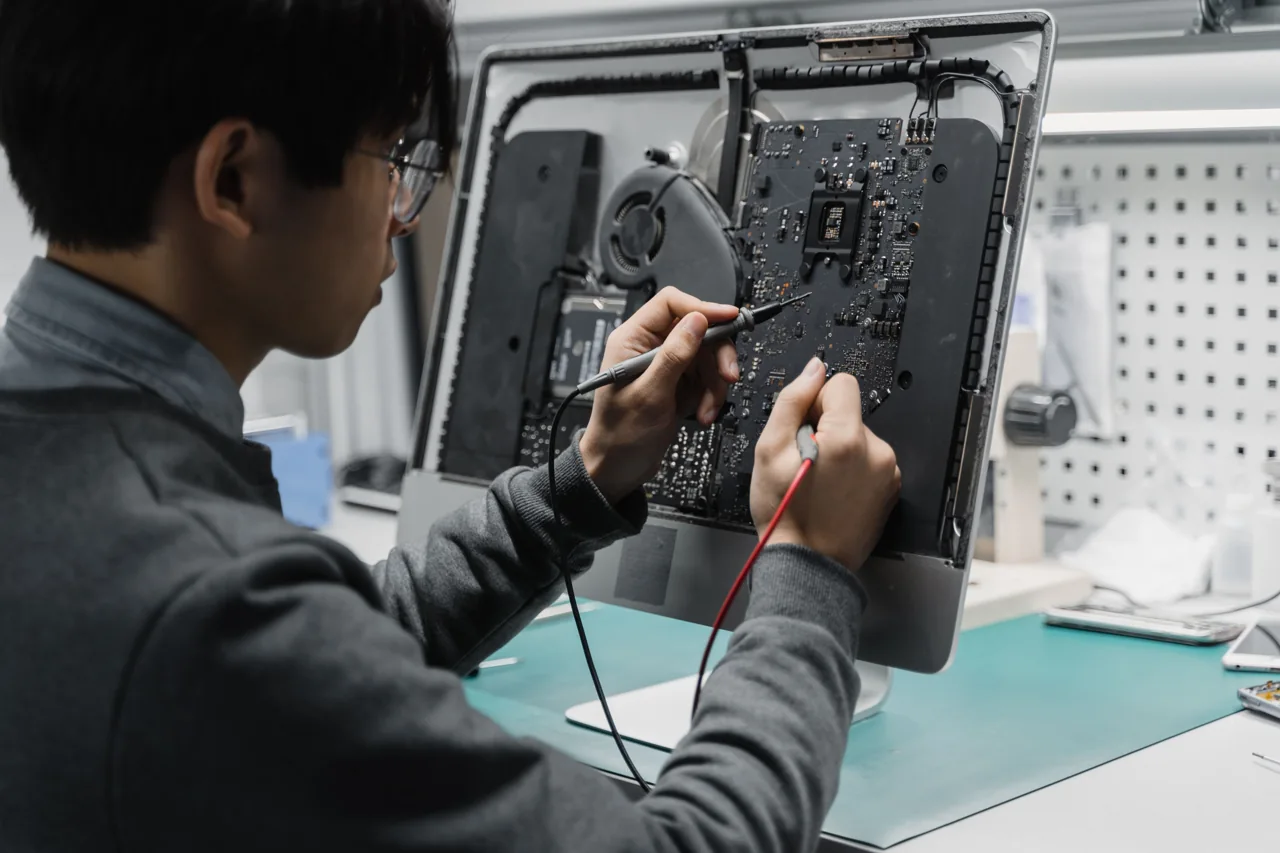
What will we assess together?
Does the slowdown affect the whole PC or just one file or application? Repeat the task and note where the delay begins. Compare CPU, memory and disk activity in Task Manager with normal working conditions.
One high percentage does not prove a faulty part. Free storage, background updates and workload need context. Select an SSD or memory upgrade after identifying device compatibility and the actual bottleneck.
Scope of work
- Startup apps and load
- Disk, RAM and temperature checks
- Maintenance or upgrade options
How does the process work?
The first conversation clarifies the need and existing environment. Permissions, data to protect, timing and cost are discussed before work. Whether assessment is on-site or remote depends on the task. Afterwards, the original symptom is checked again.
Can this be handled remotely?
Suitable software tasks need a working device, a usable connection and explicit approval. Physical faults, parts replacement and site work need separate assessment.
How do I find out the cost and availability?
Share the device, issue and district. Scope and availability are assessed before cost and timing are discussed. This page does not confirm an appointment or an automatic price.